
What your firm gets back
63 hours per lawyer per month. That's 8 working days.
The numbers aren't abstract. These are what our early Nigerian users recover - per lawyer, every month - from time they were already spending on review, drafting, and comment-wrangling.
A 40-page commercial contract reviewed in the time it takes to read 8 pages.
From blank page to review-ready document.
8 full working days - per lawyer, every month, recovered.
Same team, two-thirds more fixed-fee matters billed - unchanged fees, recovered margin.
Everything you need to review and mark up a document
Open any document - contract, opinion, letter, filing - and work through it. Redline, comment, highlight, and proof, all inside Word.
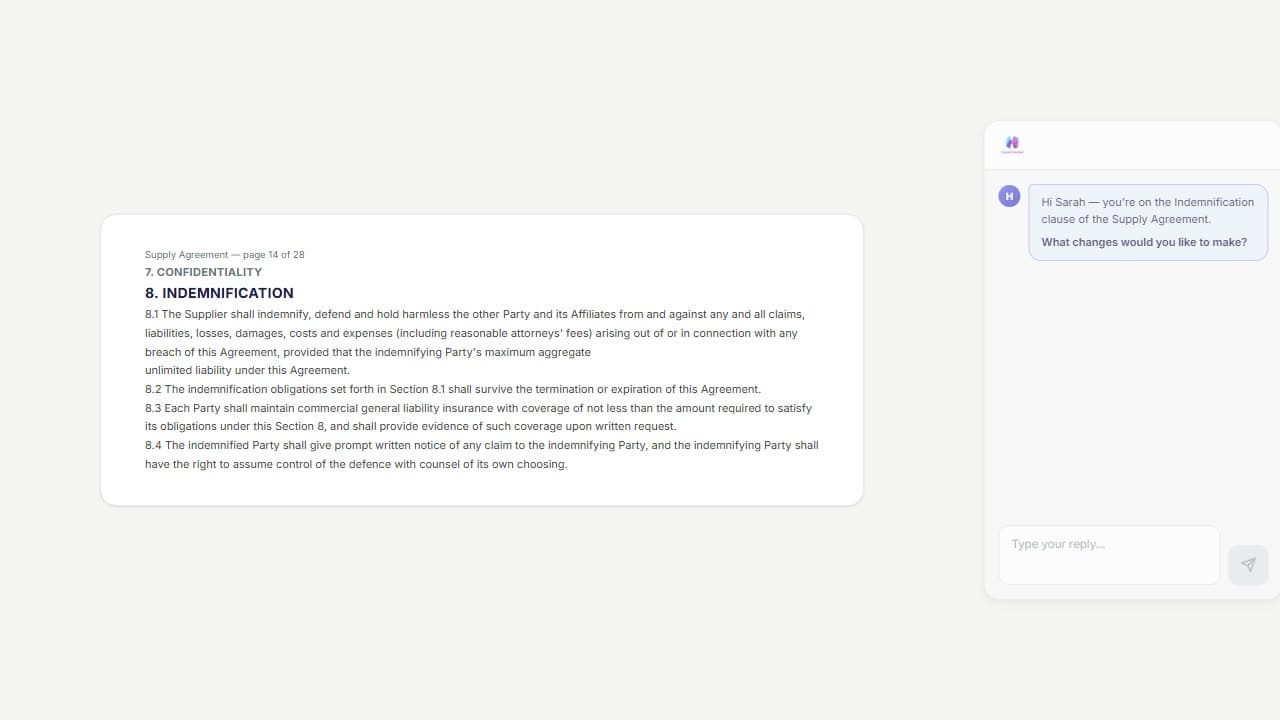
Describe what you want changed. Native Word redline changes appear in the document.
"Make the indemnity mutual." "Cap liability at contract value." Plain instructions become native Word redline changes — defined terms, cross-references, and knock-on effects all updated in the same pass.
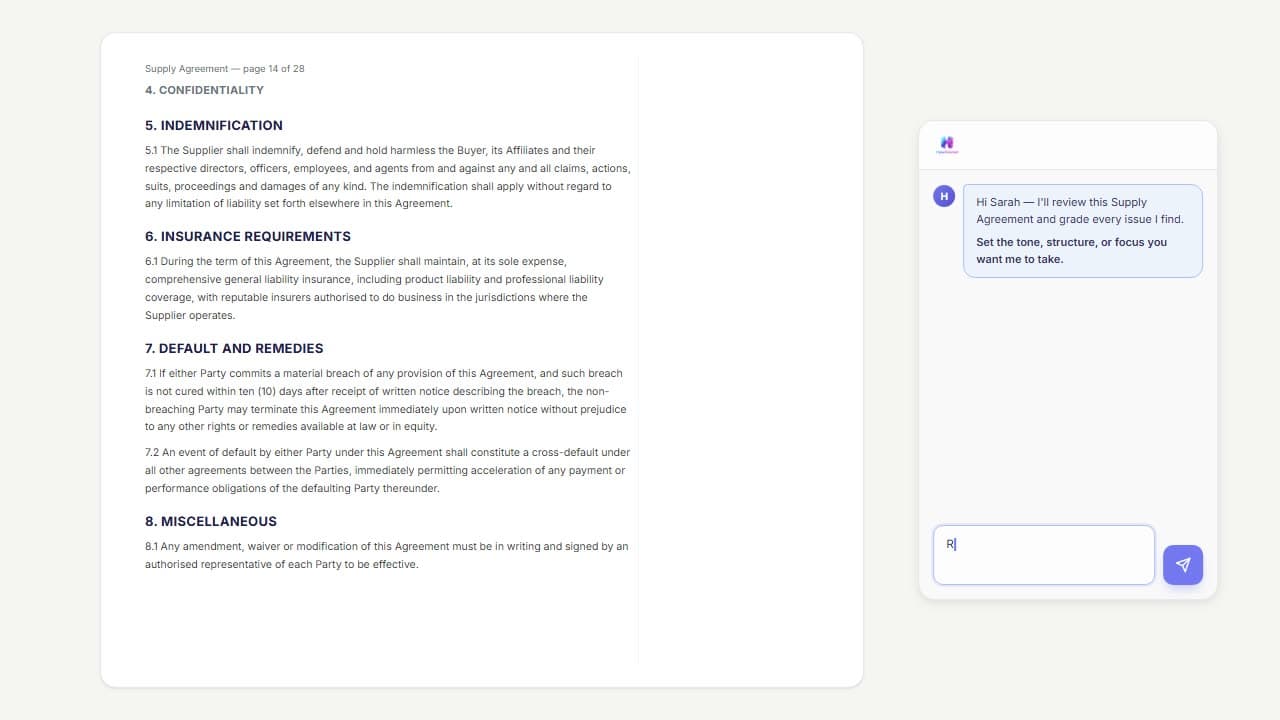
Every issue in the document, found and graded before you start reading.
AI flags every issue as native Word comments in the margin, graded critical to minor. Set the tone and focus before it runs — high-level or clause-by-clause — and edit any comment before it's inserted.
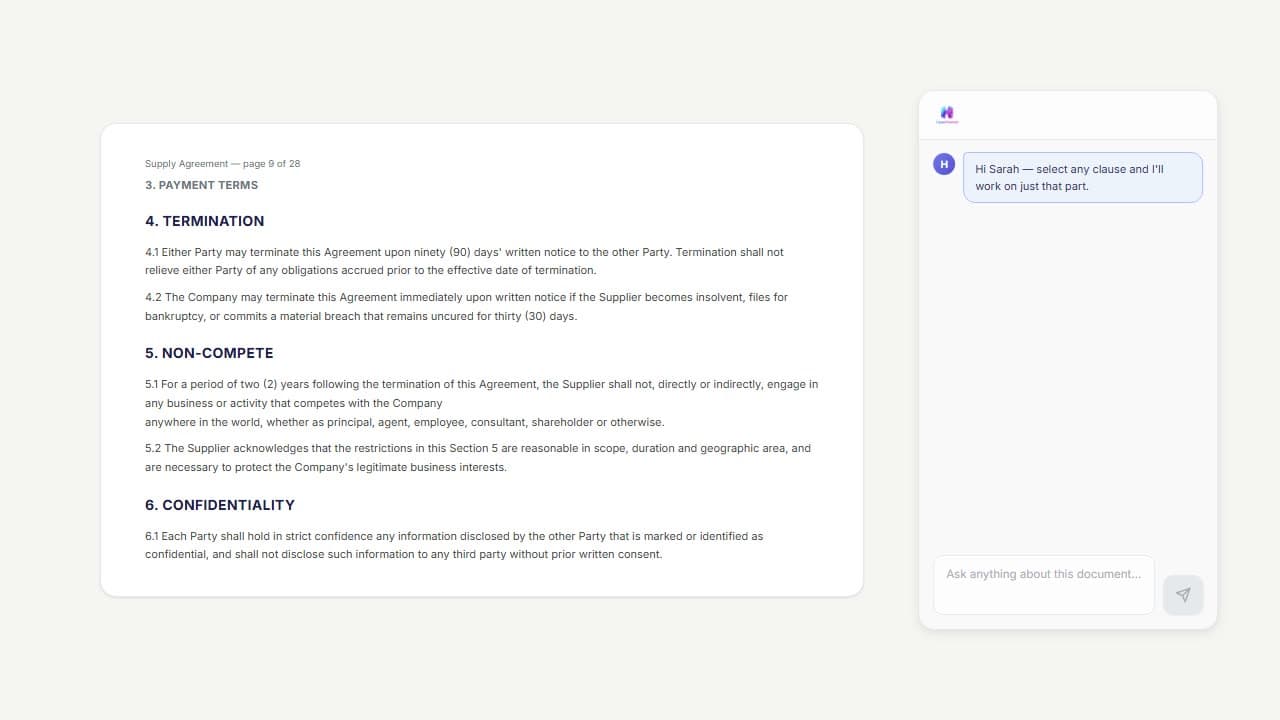
Highlight a clause. Work on just that clause.
Select any clause and the AI works only on that selection — redline, comment, compare, or research it.
Defined terms, cross-references, and numbering - audited in seconds.
Orphaned defined terms, broken cross-references, duplicate numbering, monetary inconsistencies — every correction proposed as a redline change you accept or reject.
Every authority it cites, checked against the official source.
Verified against sources such as NigeriaLII, the FCCPC and the Laws.Africa network, among others — then sealed, linked to the judgment or section, and flagged plainly where it could not be confirmed.

Negotiate
Opposing counsel sent it back. Handle everything in minutes.
Respond to their comments, review their redlines, manage your own comments, and turn feedback into tracked changes - without leaving Word.
40 comments from the other side. Respond to all of them at once.
AI drafts a threaded reply to every comment. Set your posture — "push back on everything except liability" — or instruct comment-by-comment. Replies land in native Word comment replies.
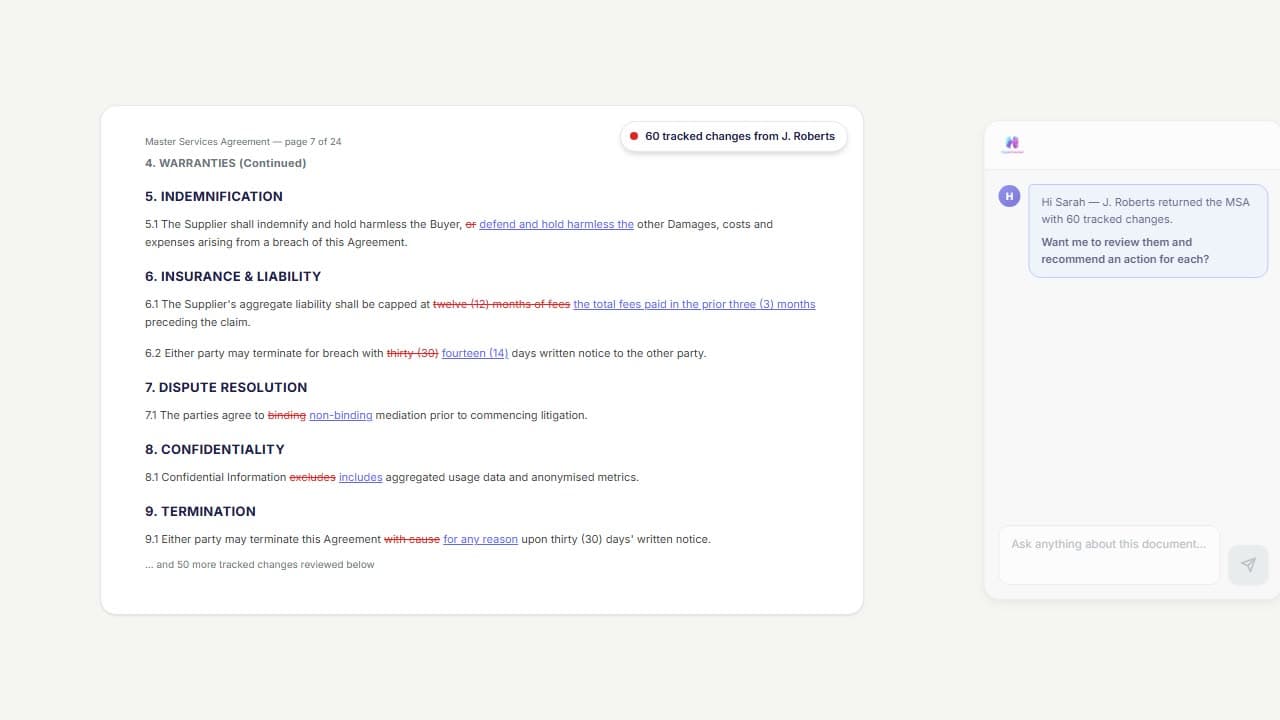
60 redline changes. Every one reviewed with a recommendation.
Every redline change gets a colour-coded recommendation with reasoning: accept, reject, counter, or comment. Override with one click. Nothing changes until you approve it.
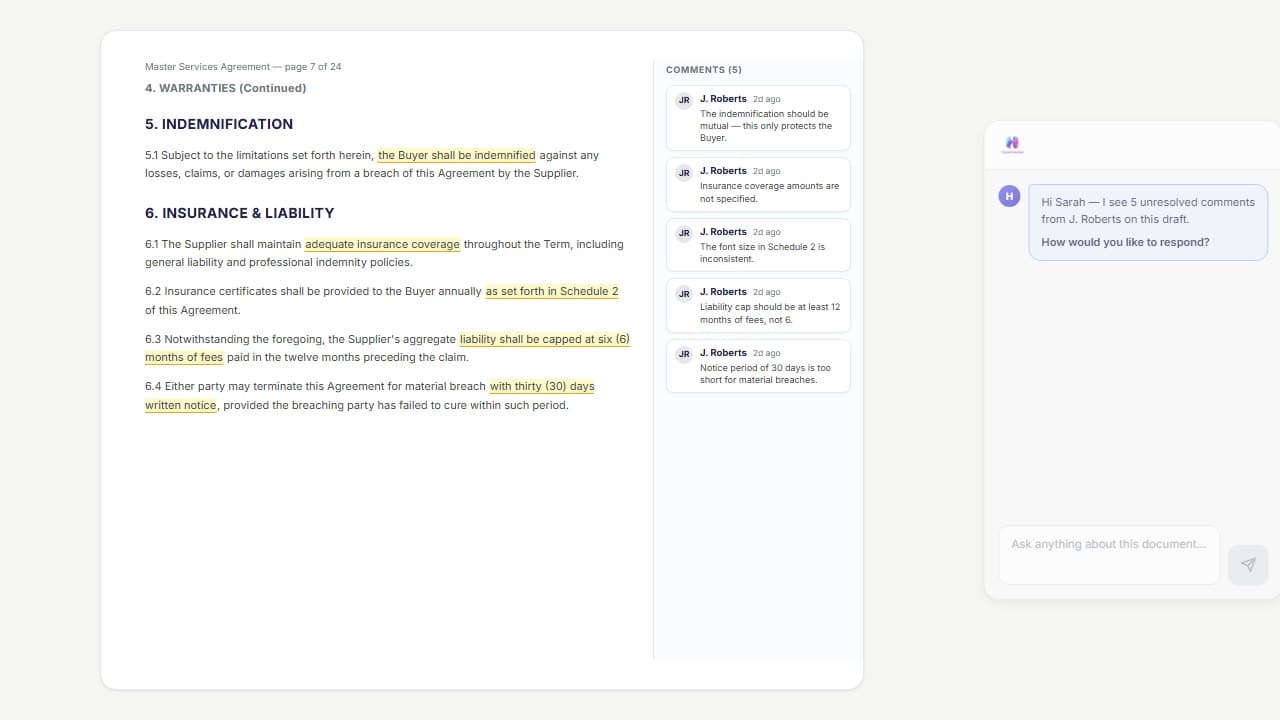
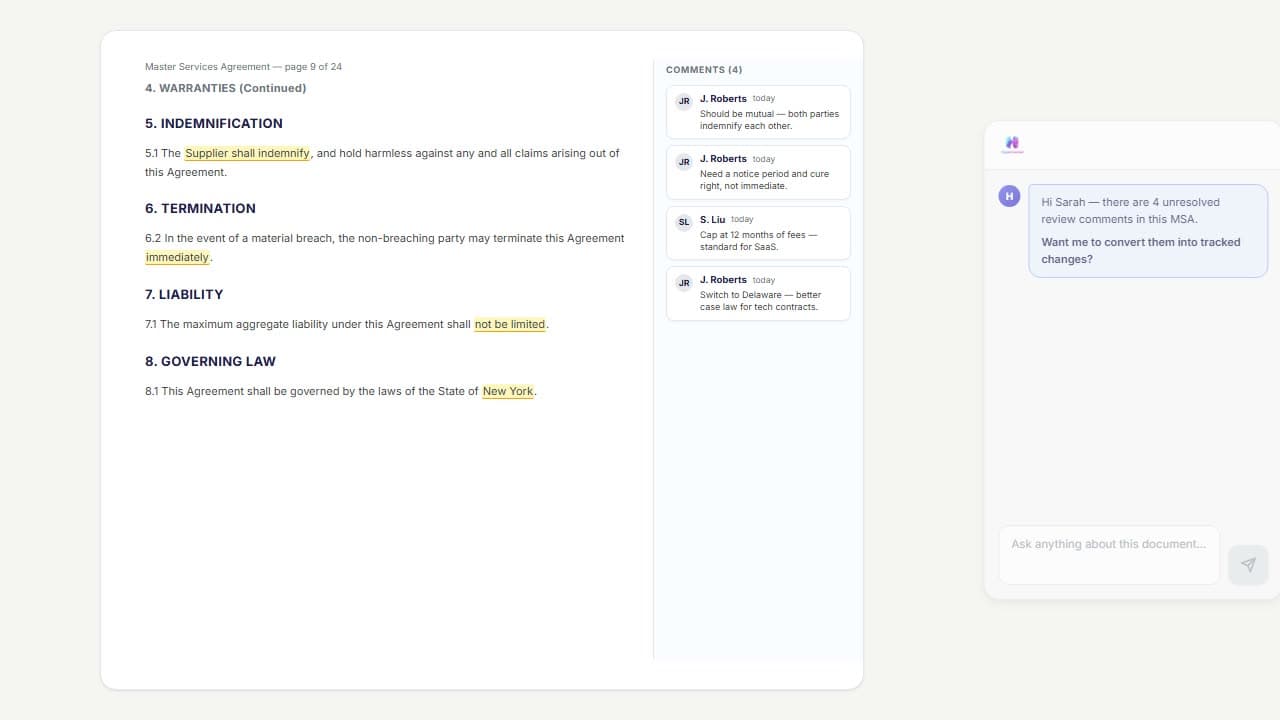
Turn comments into concrete redline changes.
Your comments — or a colleague's — turn into native Word redline changes. Pick which to implement and add per-comment instructions for how each one should be handled.
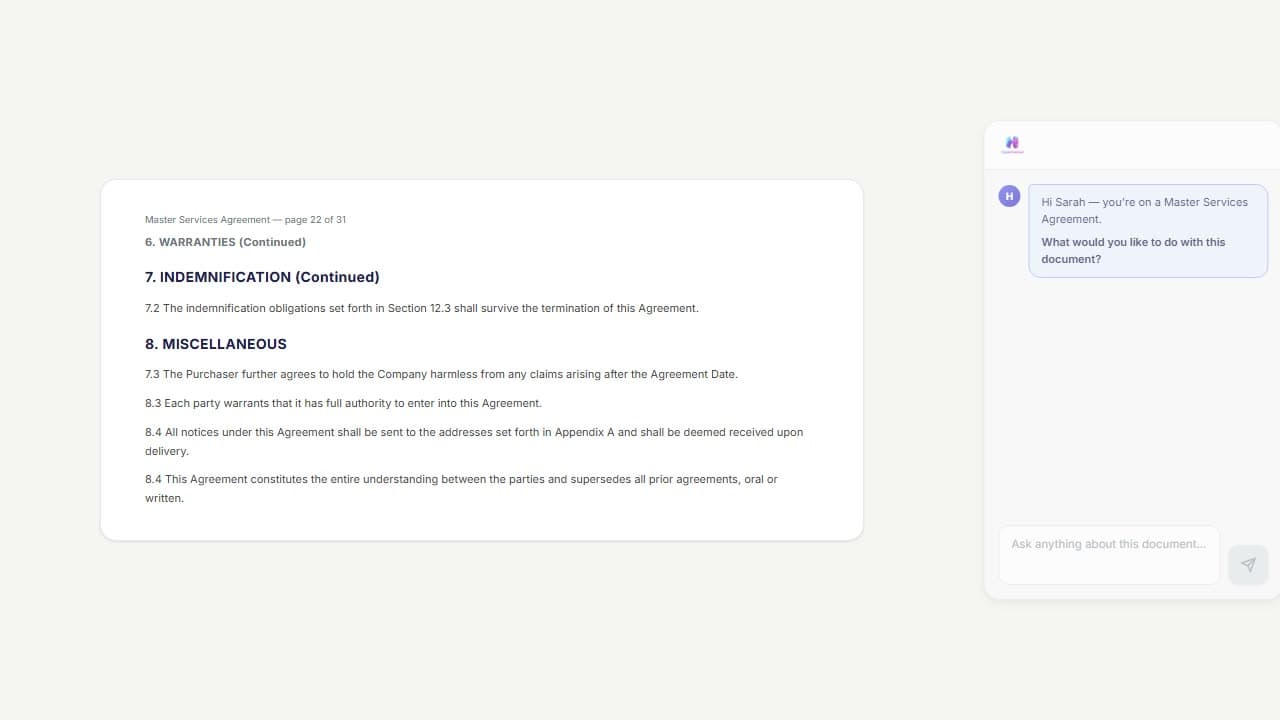
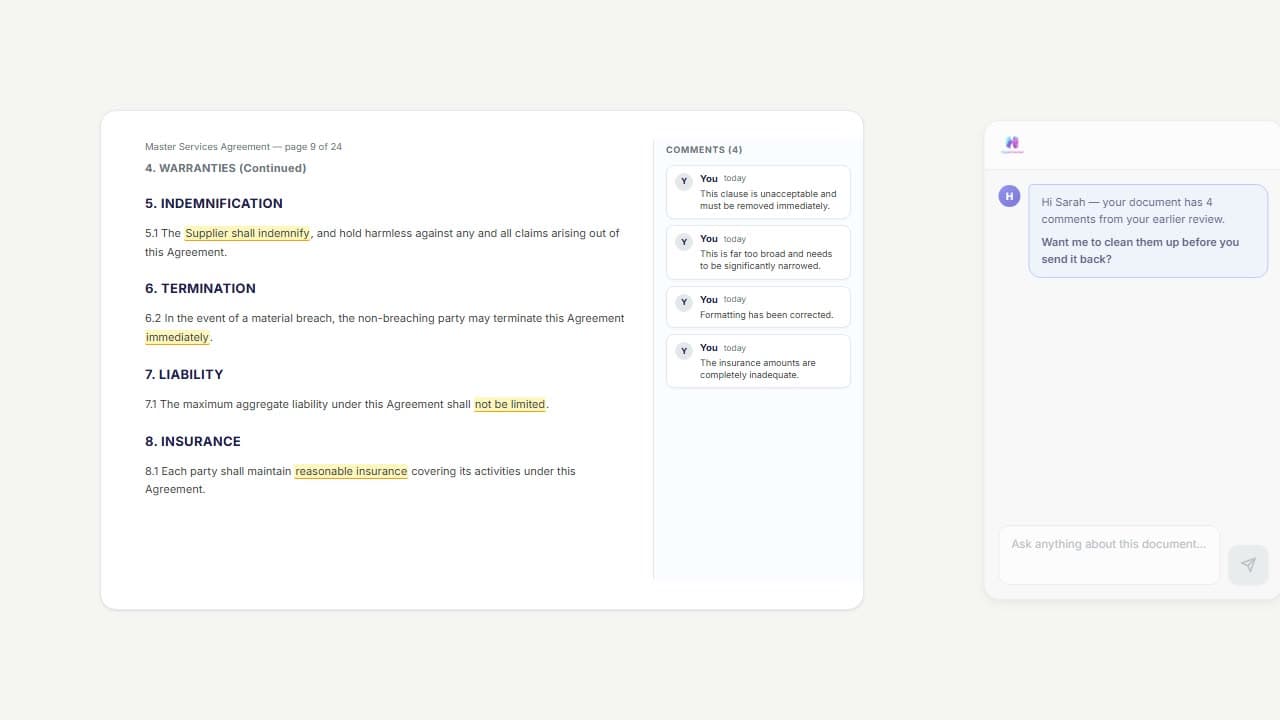
Edit, delete, or update every comment at once.
"Soften the tone." "Delete the resolved ones." "Reword comment 3 to reference clause 7." Bulk comment operations with full undo on every change.
Draft documents that look like your firm wrote them.
From blank page to complete document - contracts, legal opinions, letters, court filings, and notices. Use your own precedent as the foundation, or start from scratch with guided AI questioning.
Choose Short, Medium or Long. Approve the outline, then get the draft in your firm's look.
Describe the contract, terms or policy in Chat and set it up on one card: the details, plain questions on anything your instructions leave open, and the look - your house style, plain, or another document's look. Approve the outline before a word is written, then get the draft with notes on what to check. Or start from your own precedent: its layout stays, and its wording is kept wherever the new matter needs no change.
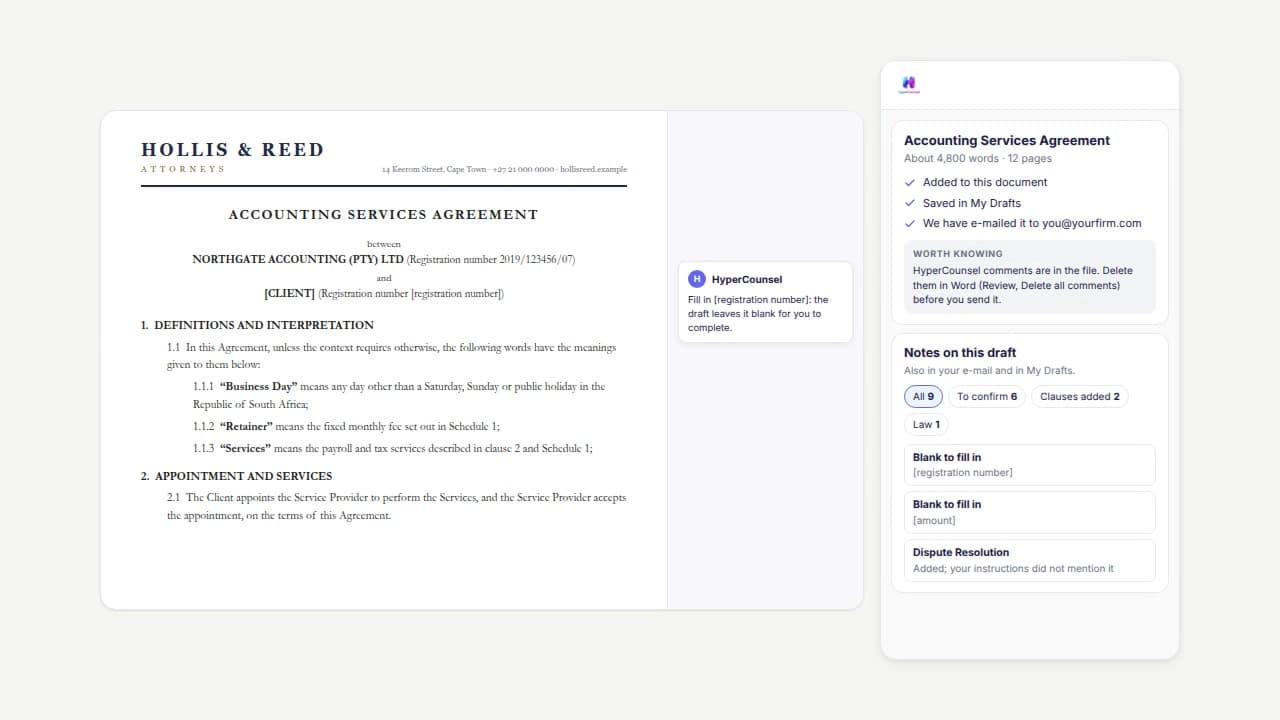
Precedent populated by term sheet
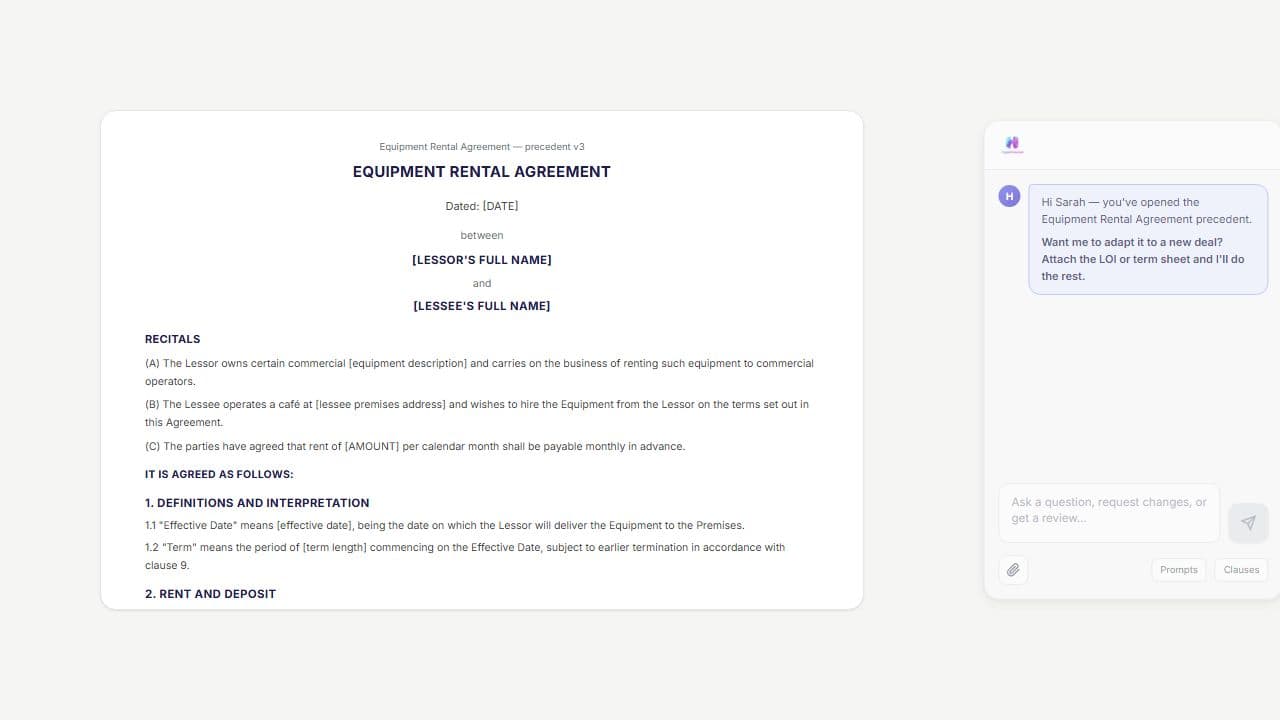
Open your precedent, upload the term sheet or LOI. Party names, dates, amounts, obligations — every deal-specific detail rewritten as native Word redline changes in minutes.
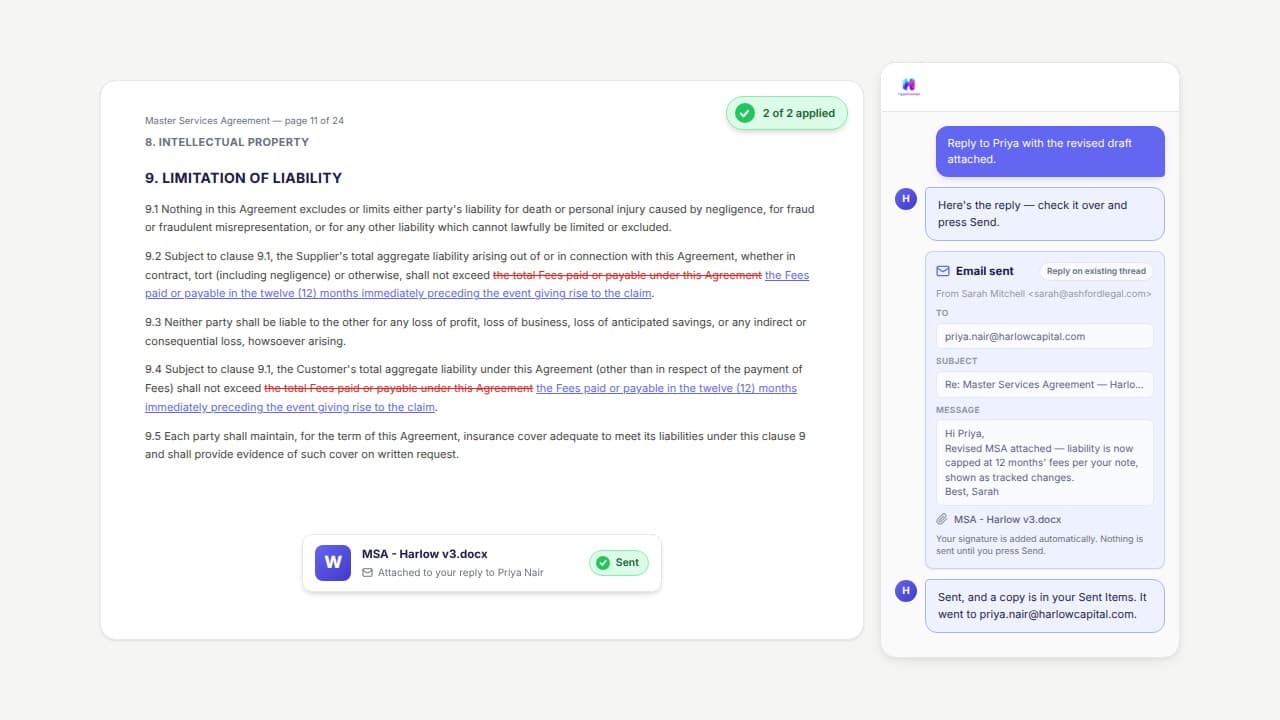
Email in and out of Word. Your inbox, in the chat.
A client sends instructions. Opposing counsel sends a draft. Ask for it in plain words and the AI finds the email, puts the attachment on screen, and files what you need as reference material. When you're done, it drafts the reply with the document attached. You check it and press Send.
The document arrives by email. Pull it in, make the change, send it back.
"Find Priya's email and put the attachment on screen." The AI searches your mailbox, opens the attachment in Word, and tells you what the sender asked for. Make the change as native Word redline changes, then "reply with the revised draft attached" — the reply appears as an editable draft, and nothing is sent until you press Send.
Every tool your practice needs, working across every document.
Clause Library
Your best clauses from your best deals - searchable and auto-matched. Upload your contracts, AI extracts and categorises every clause. Smart Match suggests relevant precedent language when you're drafting or reviewing.
Reference Materials
Upload a term sheet, prior drafts, a dictated attendance note, or a recorded client meeting - the AI uses them as context. Select which references to include per message. PDFs, Word, email (.eml/.msg) and audio files supported.
Persistent Playbook
Upload your firm's negotiation playbook and standard positions once. They follow you across every document you open - no need to re-upload or re-explain.
PII Protection
Client names, IDs, addresses anonymised before reaching the AI. Three protection levels. Privacy-first by design.
Legal Research
Highlight a clause and ask "is this enforceable?" The AI searches current legislation, case law, and regulatory guidance - with citations you can verify.
Designed for Nigerian legal practice - client confidentiality by design, NBA Rules of Professional Conduct-aligned, built for small and mid-size firms.
Built for how Nigerian lawyers actually work
Client confidentiality by design
Your documents stay in your session. No training on your data. Built for client confidentiality.
Nigerian law-aware
Understands Nigerian legal conventions, NBA Rules of Professional Conduct, and Nigerian commercial drafting standards.
Every change stays under your control
Every AI edit appears as a redline change you accept individually - nothing lands in your document without your review.
Lives inside Word
No new platform. No context-switching. Works with the redline workflow you already use.
Built by lawyers, for lawyers
Designed with practitioners across common-law jurisdictions, tuned on commercial drafting conventions, refined against real matters - not a generic tool bolted onto Word.
Questions Nigerian lawyers ask us
Plain answers on data handling, install, pricing, and what happens to your documents.
Where do my documents go when I use HyperCounsel?
How long does installation take?
Is my client data anonymised before it reaches the AI?
What's the difference between Solo (₦138,999) and Team (from ₦62,999)?
Do you have a Data Processing Agreement (DPA)?
Can I cancel at any time?
Does HyperCounsel work offline?
Is there a web version, or is this Word-only?
Does it invent cases, like other AI tools?
What happens if it can't find an authority?
The case is real - but is it still good law?
From the lawyers who use it
“
Most AI tools assume US drafting conventions. HyperCounsel actually reads how Nigerian commercial agreements are structured - schedules, defined terms, the cadence of force majeure and dispute clauses. It saved hours on my last share-purchase review.
Adaobi Okonkwo
Commercial Lawyer, Lagos
“
I run a boutique practice doing M&A and oil-and-gas work. The reference-documents feature - dropping in the heads of terms and the local-content schedule - is what made the AI useful. The redlining flow finally fits how we actually negotiate.
Tunde Bakare
Partner, Boutique Firm, Abuja
“
Confidentiality was the question I had to answer for our managing partner. The fact that documents stay in my session and nothing trains the AI - that's what got it past our risk committee. The redline-by-redline review discipline is how I let AI near client work.
Chinwe Eze
Senior Associate, Lagos
Get started
Start on the free plan, or subscribe for full access. Cancel anytime.
Why HyperCounsel?
Speed to Value
- Hands-on onboarding from the founding team
- Fast trial to production - most lawyers are productive in their first session
- Amplify your expertise, don't learn a new system
Security First
- Your document data stays in your session
- No AI training on your contracts
- Privacy-first architecture
- Built-in PII protection anonymises client data before it reaches the AI
AI-Assisted, Human-Driven
- Every AI change produces tracked changes you review and accept
- Per-message undo - reverse any action instantly
- Your judgement stays in control at every step
- Not a generic chatbot - purpose-built for legal work
Built for Microsoft Word
Works right inside the application you already use - no browser tabs, no copy-pasting, no context switching.
Ready to work smarter?
Solo from ₦138,999/user/mo. Team from ₦62,999/user/mo. Free plan available.